



































Times from the AlAdhan service.
All tools
Take it with you
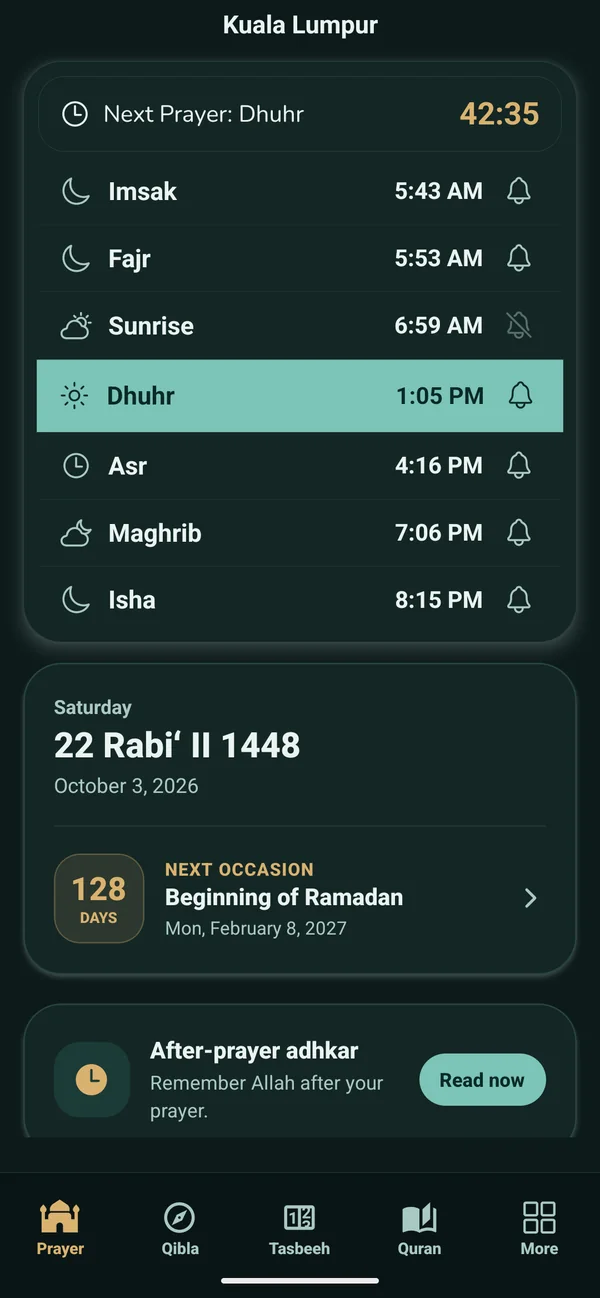
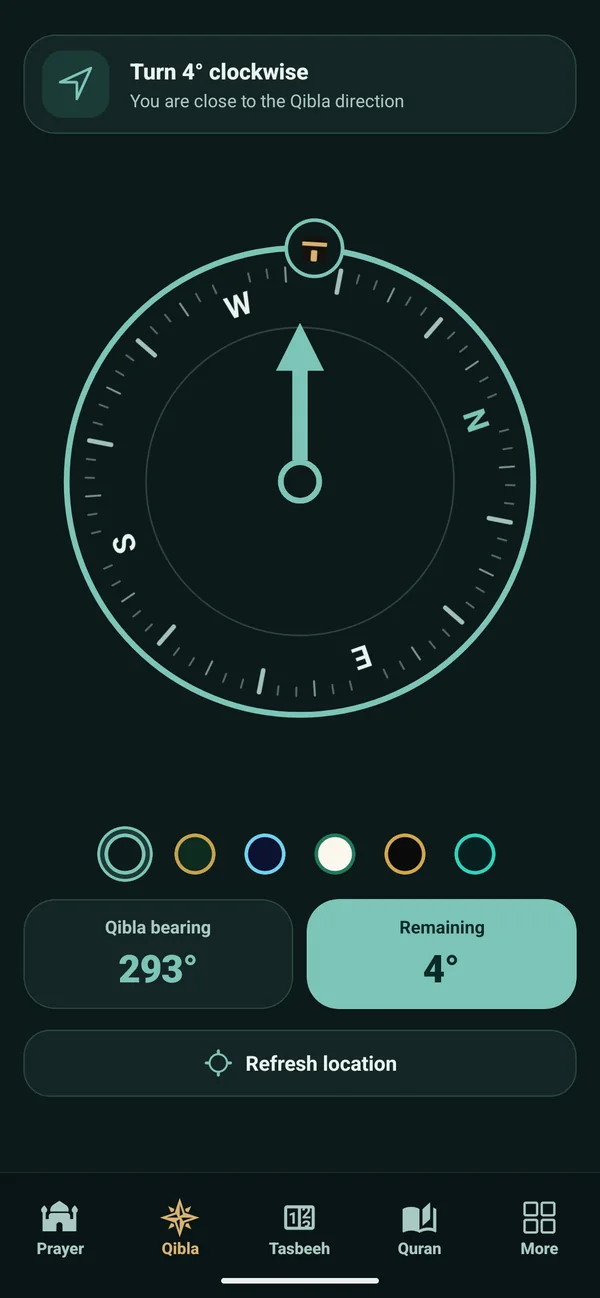
The Android app adds the adhan, offline Quran, a Qibla compass and a daily planner.
- Adhan and reminders
- Quran with offline downloads
- Qibla compass in five styles
- 39 languages
Questions
How do I find prayer times for my city?
Use the prayer strip at the top of this page. Allow location when the browser asks and the times for your exact position appear at once, with a countdown to the next prayer, or choose your city from the list. For any other city, open the Prayer times page and choose it there, or pick one of the popular cities listed under the strip.
How are the prayer times calculated?
Times come from the AlAdhan service. Each city uses the calculation method of its country or region, for example JAKIM in Malaysia, Umm al-Qura in Mecca and the Egyptian General Authority of Survey in Egypt.
What do the highlighted time and the countdown mean?
The highlighted time is the next prayer, and the countdown shows the hours, minutes and seconds left until it. The strip lists Fajr, Sunrise, Dhuhr, Asr, Maghrib and Isha, and Imsak for cities in Malaysia. Sunrise is not a prayer: it marks the end of the time of Fajr.
Are the Muslim Flow tools free?
Yes. Every tool on this website is free to use, and you do not need an account.
Is my data stored anywhere?
We keep no account for you and store nothing on our servers. Settings and counters are saved only in your own browser. We do not ask you to sign in.
Is there a mobile app?
Yes. Muslim Flow: Prayer & Quran is on Google Play for Android. It adds the adhan, the offline Quran and a Qibla compass, with no ads. An iPhone version is coming soon.
Does the website work without internet?
Most of the site needs an internet connection, because prayer times, search and audio are loaded when you use them. Some tools, such as the Qibla finder and the tasbeeh counter, keep working after the page has loaded, and your saved settings stay in your browser.
Does the website choose my city automatically?
It first guesses a city from the time zone of your device and the approximate place of your internet connection, and starts with Kuala Lumpur if that fails. Your browser may then ask to use your exact position; if you allow it, the page uses it to find your city and the prayer times. You can choose another city from the list in the prayer strip at any time.
Which languages are available?
There are 39 languages: English, Arabic, Malay, Indonesian, Turkish, Urdu, French, Spanish, German, Portuguese, Russian, Bengali, Hindi, Persian, Simplified Chinese, Traditional Chinese, Swahili, Hausa, Uzbek, Somali, Albanian, Bosnian, Dutch, Italian, Azerbaijani, Kazakh, Tamil, Pashto, Vietnamese, Thai, Malayalam, Amharic, Tajik, Kurdish, Japanese, Korean, Filipino, Yoruba and Kyrgyz. Use the language button at the top, where every language has its own flag or icon. A few newer or longer sections, such as Halal & Haram and some articles, are in English and Arabic only for now, and the translations are machine-assisted and improved over time.
Which tools are on Muslim Flow?
The Quran with audio and translations, prayer times for any city, a Qibla finder, a Hijri calendar, hadith, daily adhkar, a tasbeeh counter, the 99 names of Allah, a zakat calculator, Ramadan and Hajj & Umrah guides, fiqh, halal and haram, articles, a glossary, a quiz and a prayer tracker. All are free.
How can I contact you or report a mistake?
Use the WhatsApp button on any page, or write by email from the Support page. Please tell us the page and what is wrong, and we will correct it.